First run & admin user
When calit starts against a fresh database it has no users. Every incoming request — regardless of path — redirects to /setup until the first user is created.
Creating the first user
Section titled “Creating the first user”Open http://<your-host>/setup in a browser. Fill in a username and password. There is no default password; you choose one here.
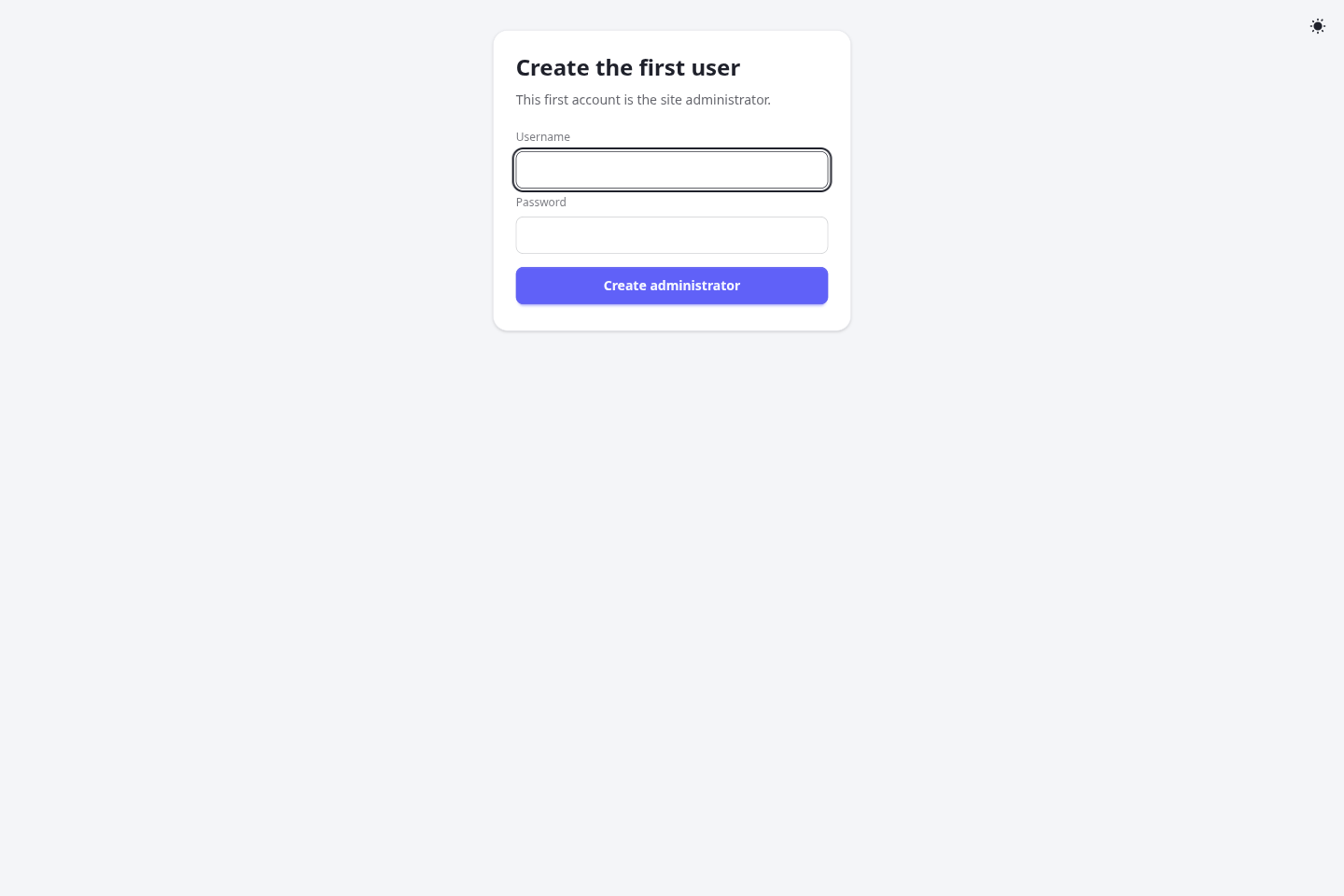
The account created at /setup is automatically granted the site-admin role (is_admin = true). Once you submit the form, /setup permanently returns 404 — it is unavailable from that point on and cannot be used to create additional users. Additional users are added by invitation from the admin console (see Users & admin) or via public signup when enabled.
First-login wizard
Section titled “First-login wizard”After signing in for the first time you are redirected to /me/setup, a short wizard that lets you configure your timezone, display name, and other personal settings before you start using the app.
Completing it also gives you a starting set of weekly availability — Monday–Friday 09:00–18:00 — so your first meeting type is bookable without a detour through the availability editor. Change or clear those hours whenever you like; they are set once, at this point, and not reapplied later.
Next steps
Section titled “Next steps”- Configure meeting types to define what your invitees can book.
- Review environment variables for production settings such as
SIGNUP_ENABLED, mailer config, and Google OAuth.