Bookings & approvals
Invitees book meetings through the public booking page at /<username>/<slug>. No account is required.
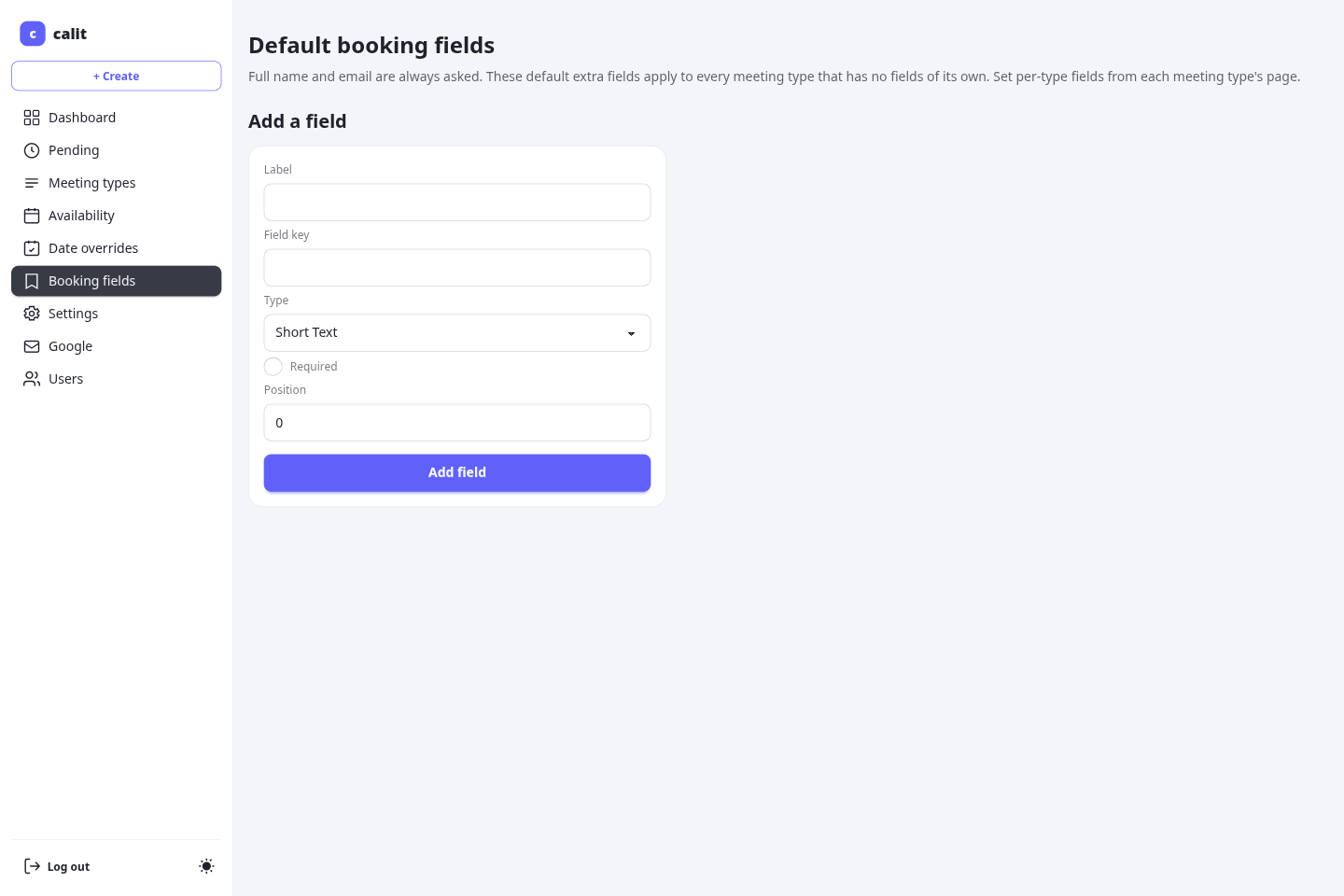
Booking flow
Section titled “Booking flow”- Invitee opens the meeting type’s public URL.
- They pick a date, then a time slot in their local timezone.
- They fill in the booking form (name, email, and any custom fields defined for that meeting type).
- On submission, calit validates the slot, checks for conflicts, and either confirms or holds the booking.
Confirmed vs pending bookings
Section titled “Confirmed vs pending bookings”If the meeting type does not require approval, the booking is confirmed immediately, and the invitee gets a confirmation email.
How the calendar invite is delivered depends on whether the owner has connected Google:
- Google connected — the meeting is created on the owner’s Google Calendar and Google sends the invitee (and any guests) the calendar invitation, with a Google Meet link when the meeting type uses one. calit’s own email then carries only the Reschedule/cancel link (no duplicate
.ics), since Google already owns the calendar entry. - Google not connected — calit attaches the
.icscalendar invite to its confirmation email itself; that.icsis the only calendar source.
If the meeting type requires approval, the booking is created with a pending status. The booking is held until you approve or reject it. Pending bookings that are neither approved nor cancelled expire automatically after the number of hours configured with APPROVAL_HOLD_HOURS (default: 24 hours).
You can act on a pending request two ways:
- From the owner console — the Pending page at
/me/pendinglists every request with Approve / Decline buttons. - Straight from the request email — the notification you receive carries one-click Approve and Decline links. Clicking one opens the owner console; if you are not signed in, you log in first and are returned to the action automatically. These links only work for you, the signed-in owner of the booking — they are not usable by anyone the email is forwarded to.
Owner and invitee receive different copies of every booking email: yours is addressed to you and names the invitee, theirs is addressed to them. Each side only sees the links relevant to it. Booking emails are sent with a friendly sender name — <Your name> via calit — so recipients recognise who the meeting is with, while the underlying address stays your configured MAIL_FROM.
Managing a confirmed booking as the owner
Section titled “Managing a confirmed booking as the owner”You can reschedule, edit, or cancel any confirmed booking — not just approve or decline pending ones. The Manage page groups these as independent actions, each of which does nothing if you leave it unchanged.
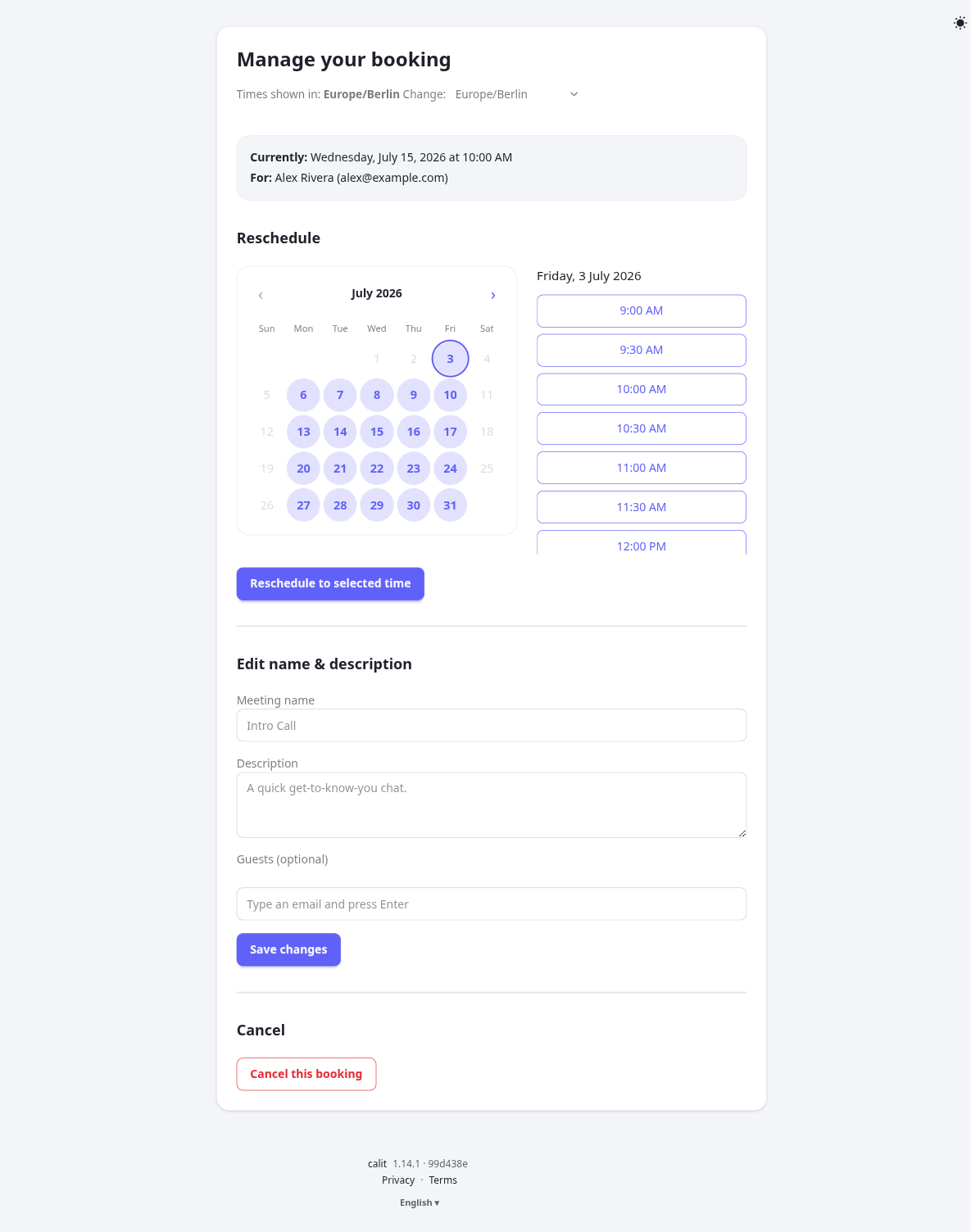
Leaving the name or description blank shows the meeting type’s own value as a greyed-out placeholder — the booking falls back to it until you type an override.
- From the owner console — each upcoming booking on your dashboard (
/me) has a Manage link. It opens a page where you can:- Reschedule — pick a new slot from your own availability (the same picker invitees use). This step only moves the meeting; picking the same time again is a no-op.
- Edit name & description — override the meeting’s displayed name and description for this one booking, and add or remove guests. Leave the name or description blank to fall back to the meeting type’s own value (shown as the placeholder).
- Cancel the booking.
- Straight from the email — your copy of the confirmation, reschedule, update, and reminder emails carries a Reschedule or cancel link to that same page. Opening it signs you in first if needed and returns you to the booking. The link only works for you, the signed-in owner — it is not usable by anyone the email is forwarded to.
Every change notifies the invitee (and any guests) automatically, and the notification names you, the host, as the one who made it (a change the invitee makes is attributed to them instead). Edits propagate to the Google Calendar event and the .ics invite as well as the emails.
Invitee self-service links
Section titled “Invitee self-service links”The confirmation email includes unique links the invitee can use to:
- View their booking details.
- Reschedule — pick a new available slot; the old slot is released.
- Edit name & description — rename the meeting, set or clear its description, and add or remove guests, without moving the time.
- Cancel — open a confirmation page, then release the slot and notify both parties. A direct Cancel this booking link is included right in the email.
- Download my data — a JSON file with this booking’s details, the invitee’s answers and its guests.
- Erase my data — after a confirmation page that lists what erasure cannot reach, cancels the booking if it is still upcoming and then removes the invitee’s name, email, answers and guests from it. Only this booking is erased; bookings are not linked by email address. The host keeps a record that the slot was taken, marked “(erased at the invitee’s request)”, and the link stops working. An operator can turn erasure off with
INVITEE_ERASURE=false; see the GDPR operator guide.
These actions work via a secure token; no login is required. The attached .ics calendar invite is a standard iTIP request, so it loads as an event card in Gmail and other mail clients.
Guests
Section titled “Guests”The invitee can bring guests along. On the booking form — and again from the Edit name & description section of the Manage page afterwards — there is a Guests field (unless the meeting type hides it): type an email address and press Enter (or Tab) to turn it into a chip. Add up to 10 guests per booking. The invitee’s own address and any malformed or duplicate entries are dropped automatically, so a typo never blocks the booking. The owner can edit the same guest list from their Manage page.
Guests get their own calendar invite and stay in sync with the meeting. As with the invitee, delivery depends on whether the owner has connected Google: when Google is connected, guests are added as attendees on the Google Calendar event and Google sends them the invitation, update, or cancellation natively; when Google is not connected, calit sends each guest an .ics invite itself. Either way:
- Created — when the booking is confirmed (or approved), each guest is invited and the meeting is added to their calendar.
- Rescheduled — moving the meeting sends every guest an updated invite that supersedes the old time.
- Cancelled — cancelling the meeting (or declining an approval request that guests were already invited to), or removing a guest, sends that guest a cancellation that removes the event from their calendar.
Guests cannot reschedule or cancel the meeting — only the invitee can. A guest who can’t attend uses the decline link in their calit email: it removes them from the meeting, sends them a cancellation, and notifies the invitee (who may then want to reschedule). This decline link is the authoritative way for a guest to bow out. When Google is connected the guest is a Google attendee and Google will also show its own Accept/Decline buttons — but a response there goes to the owner’s Google account, not back to calit, so the decline link is the reliable one to keep calit’s guest list accurate.
In the Edit name & description section the Guests field is pre-filled with the current list. Adding a chip invites a new guest, removing one sends that guest a cancellation, and the rest receive an updated invite. (Rescheduling no longer touches the guest list — it only moves the time.)
Reminders
Section titled “Reminders”calit sends a reminder email to the invitee before each confirmed meeting. The lead time is controlled by REMINDER_LEAD_MINUTES (default: 1440, i.e. 24 hours before the meeting).
Abuse protection
Section titled “Abuse protection”The public booking form has several layers of protection:
- Cloudflare Turnstile — bot-detection challenge on the form (requires setup; see Turnstile setup).
- Honeypot field — a hidden field that only bots fill in; submissions that include it are silently rejected.
- Per-email daily cap — a single email address cannot make more than
PER_EMAIL_DAILY_CAPbookings per day (default: 10) across the owner’s meeting types.