kodi-splitflap
Split-Flap Board for Kodi
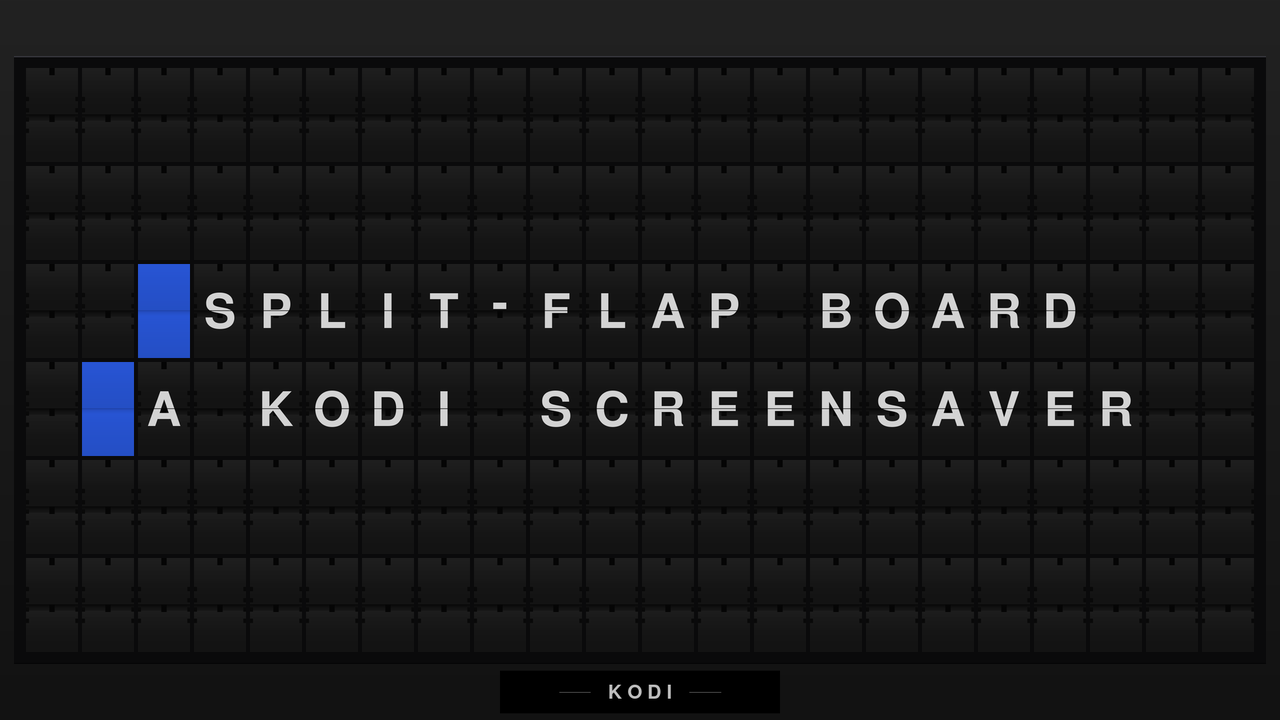
A screensaver that renders a mechanical split-flap departure board — the kind that used to clatter in railway stations and airports — showing motivational phrases, the time, and the weather.
Install
Install the repository once and everything else follows, including updates.
1. Download the repository add-on
⬇ repository.splitflap-1.0.0.zip
Download it on the Kodi box itself, or copy it over with a USB stick or a network share.
2. Install it in Kodi
Settings → Add-ons → Install from zip file → pick the file you just downloaded.
Kodi warns about installing from unknown sources the first time; that warning is about zips in general, and you can enable it in Settings → System → Add-ons → Unknown sources.
3. Install the screensaver
Settings → Add-ons → Install from repository → Split-Flap Repository → Look and feel → Screensaver → Split-Flap Board.
Glyph packs and phrase sources live in the same repository, under Resource packages and Program add-ons. Everything you install from here updates itself from then on.
Adding the source URL instead
If you would rather add the repository as a file source: Settings → File
manager → Add source → <None> → Add network location. Kodi splits the
URL across fields rather than taking it whole:
| Field | Value |
|---|---|
| Protocol | Web server directory (HTTPS) |
| Server address | asm0dey.github.io |
| Remote path | kodi-splitflap/repo |
| Port | 443 |
Leave username and password empty, then name the source splitflap. This is
the same location the installed repository add-on already uses to fetch
updates, so step 1 above is the shorter path to the same place.
Single add-on, no updates
If you only want the screensaver and do not care about updates, take the zip directly — it will not update itself, and you will not get glyph packs:
What’s here
| Add-on | What it is |
|---|---|
screensaver.splitflap |
the screensaver |
resource.images.splitflap.nimbus-ru |
a glyph pack adding Cyrillic |
script.splitflap.source.recentlyadded |
a source add-on showing the latest library additions |
repository.splitflap |
this repository, so the others self-update |
The bundled glyphs cover capitals-only extended ASCII — Western European out of the box. Anything else shows as tofu (□) until you install a pack, which matters on a Fire TV or webOS device where there is no practical way to drop files onto the box.